Construction Financial Models: Excel Templates Library
Streamline your project budgeting, forecasting, and investment analysis. This comprehensive Excel library provides fully unlocked, professional Excel templates built specifically for the unique cash flow cycles, asset depreciation, and revenue models of the construction industry.
Whether you are evaluating capital expenditures for construction equipment manufacturing, bidding on large-scale infrastructure, or calculating utilization rates for plant hire, these models eliminate the need to build complex financial sheets from scratch.
Pre-Built Excel Spreadsheets for Construction & Industrial Sectors
Each spreadsheet features dynamic dashboards, integrated three-statement financial outputs, and customizable sensitivity analysis. Simply select your specific industry niche below to download a model tailored to your business operations.
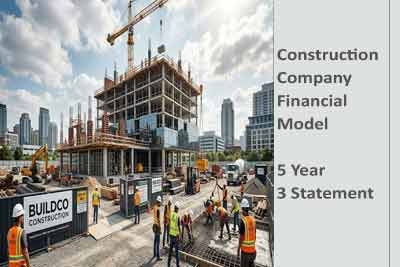
Construction Company Model
Build precise project bids and corporate forecasts. Our Construction Company Financial Model Excel Template lets contractors track work-in-progress (WIP), manage subcontractor retention, and project monthly cash flow cycles across multiple active job sites.
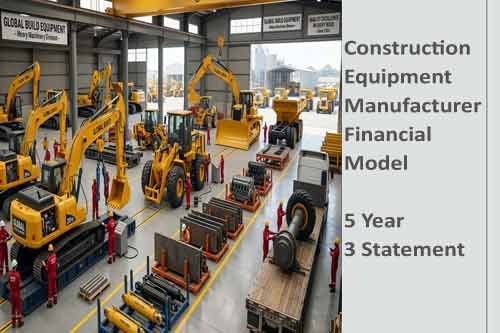
Construction Equipment Template
Forecast production lines, inventory overheads, and supply chain logistics. This specialized Construction Equipment Manufacturer Financial Model Excel Template handles capital expenditure planning, unit economics, and multi-tier distributor revenue streams seamlessly.

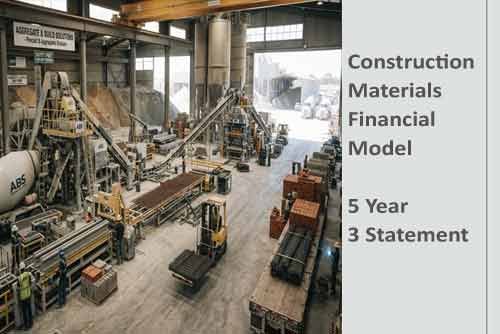
Construction Materials Excel Template
Optimize raw material procurement, factory utilization, and bulk pricing strategies. Download the Construction Materials Manufacturer Financial Model Excel Template to map out production capacity, variable freight costs, and high-volume cash flows.
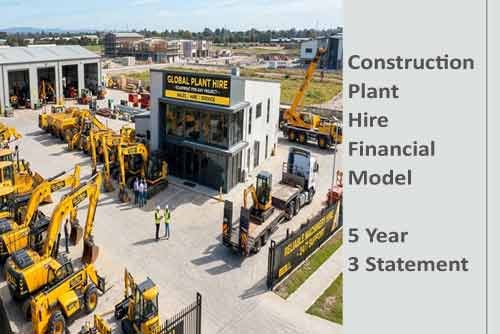
Construction Plant Hire
Maxamise fleet profitability and track utilization rates. This dedicated Construction Plant Hire Financial Model Excel Template simplifies complex asset depreciation schedules, rental yield analysis, and heavy machinery maintenance financing allocations.